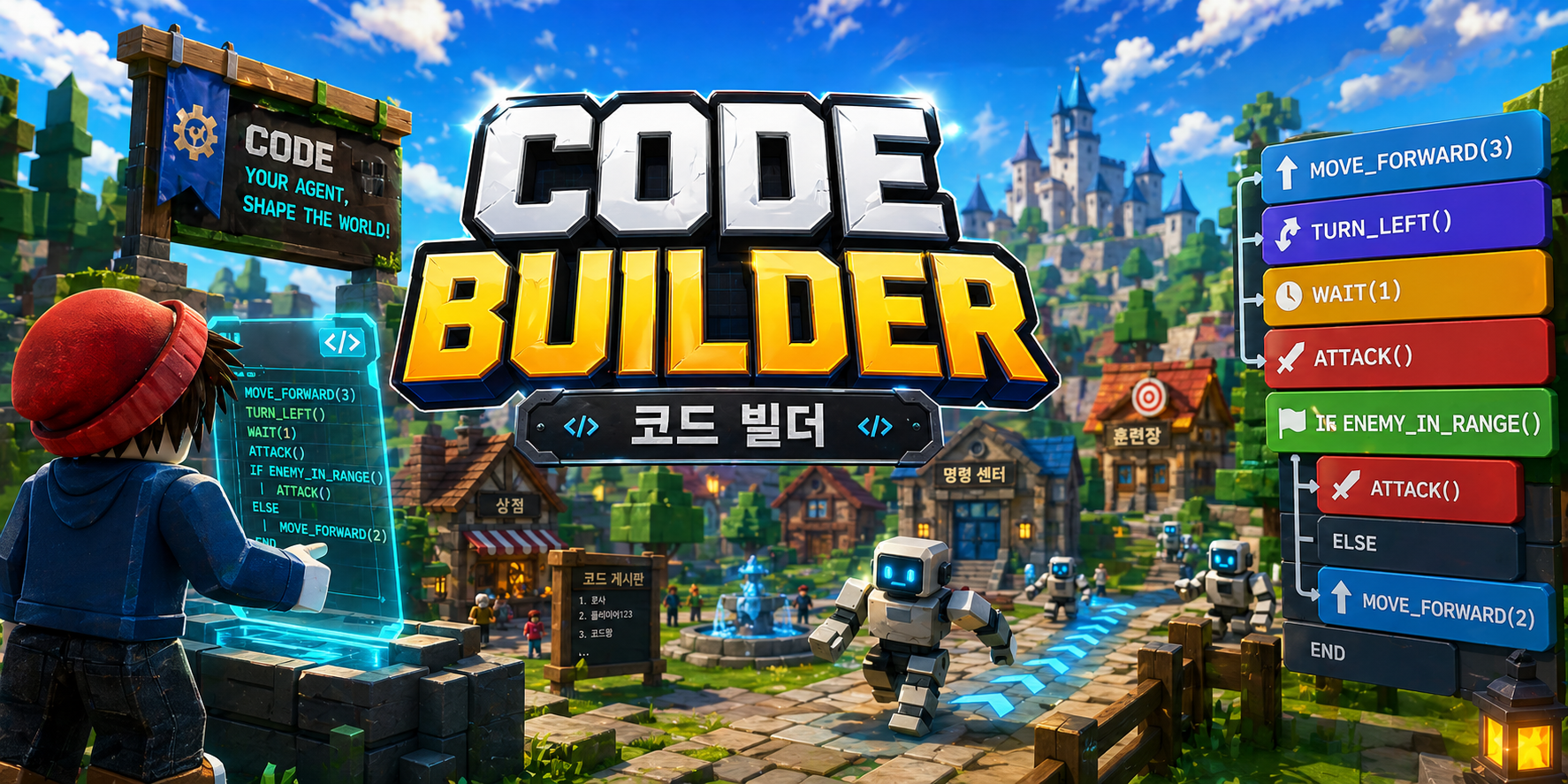
Code Builder is an in-game block coding platform that lets you open a coding window during Roblox gameplay
and give commands to your agent.
You assemble blocks in a browser, but the result only shows up on a separate screen, apart from any game
These connect to a game, but require a separate program install and are mostly paid
No install — press C while playing Roblox to open the code window and run it instantly
Open the Code Builder window with the C key (PC) or the <> button (mobile)
Assemble blocks and press Run — your agent reacts in the game world instantly
Your agent won't always follow commands perfectly — that's part of the fun and the challenge
Movement → planting → loops → conditionals → functions — a progressive course that builds toward your own garden
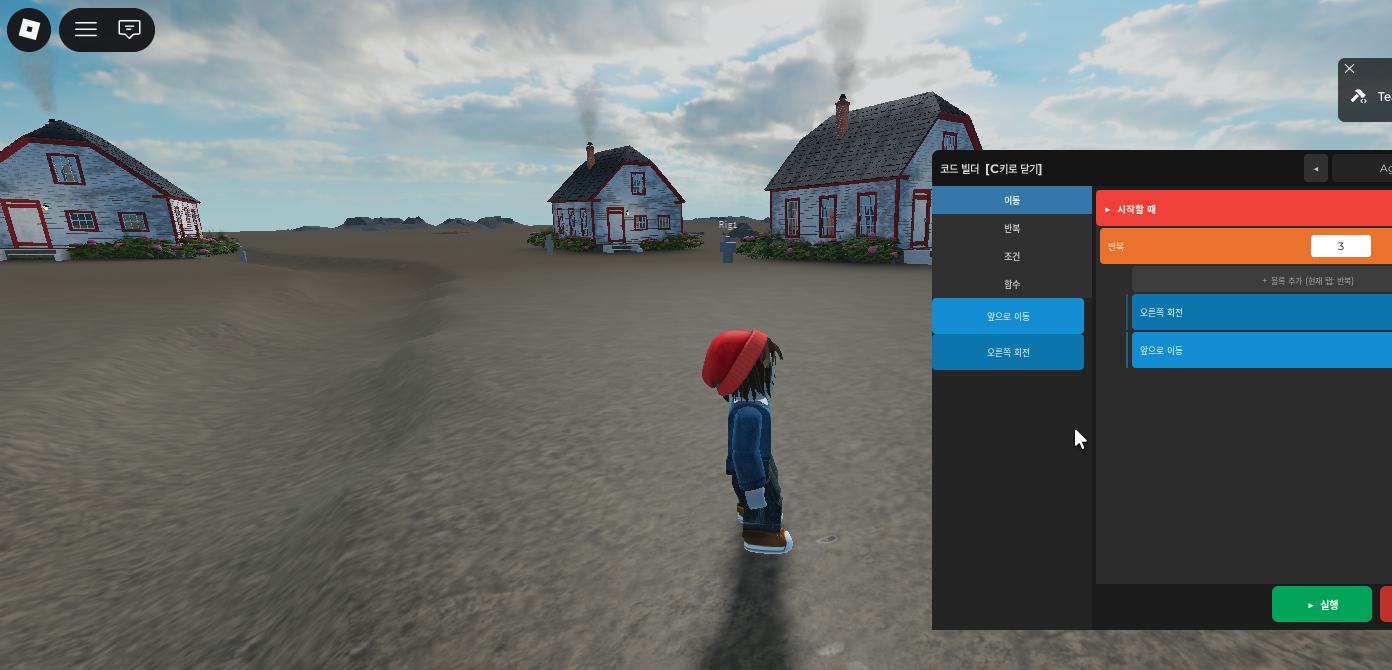
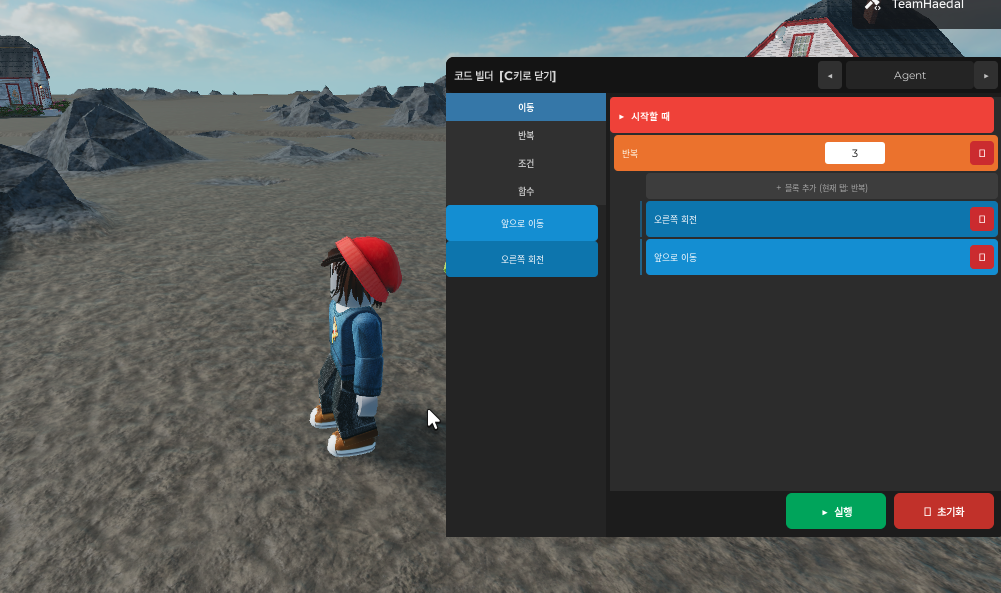
During gameplay, press C (PC) or the <> button (mobile) to open the block coding panel on the right side of the screen.
Drag movement, loop, condition, and function blocks to build your command. No prior coding experience needed.
Move Forward → (Move Forward × Turn Right) repeat 3 times
Press ▶ Run and the agent moves immediately. Watch the result, tweak your code, and learn as you go.
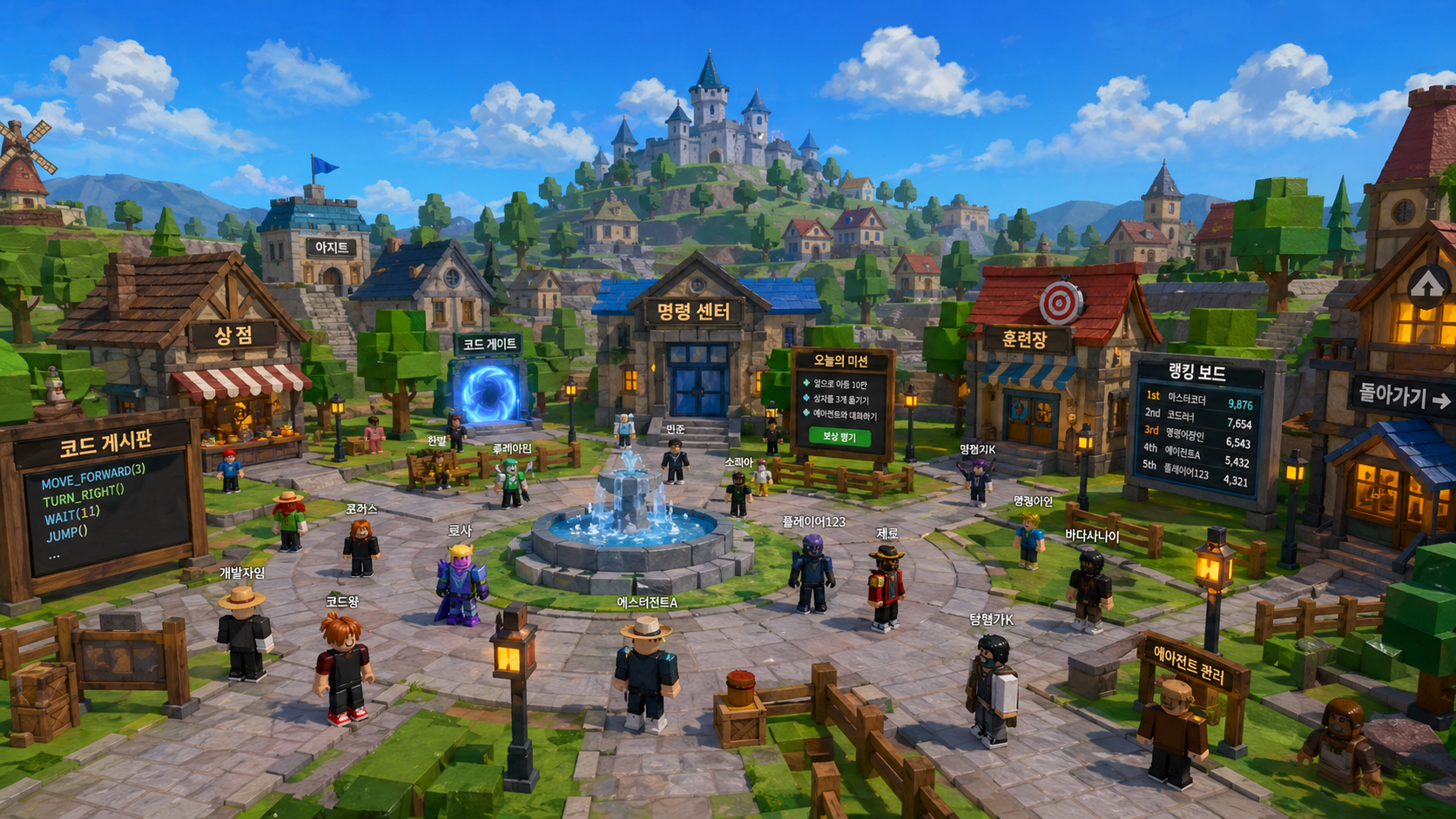
Complete missions with other players in Code Village and get your name on the leaderboard.
Play Now